
Coloring or pretend play? Make room for both
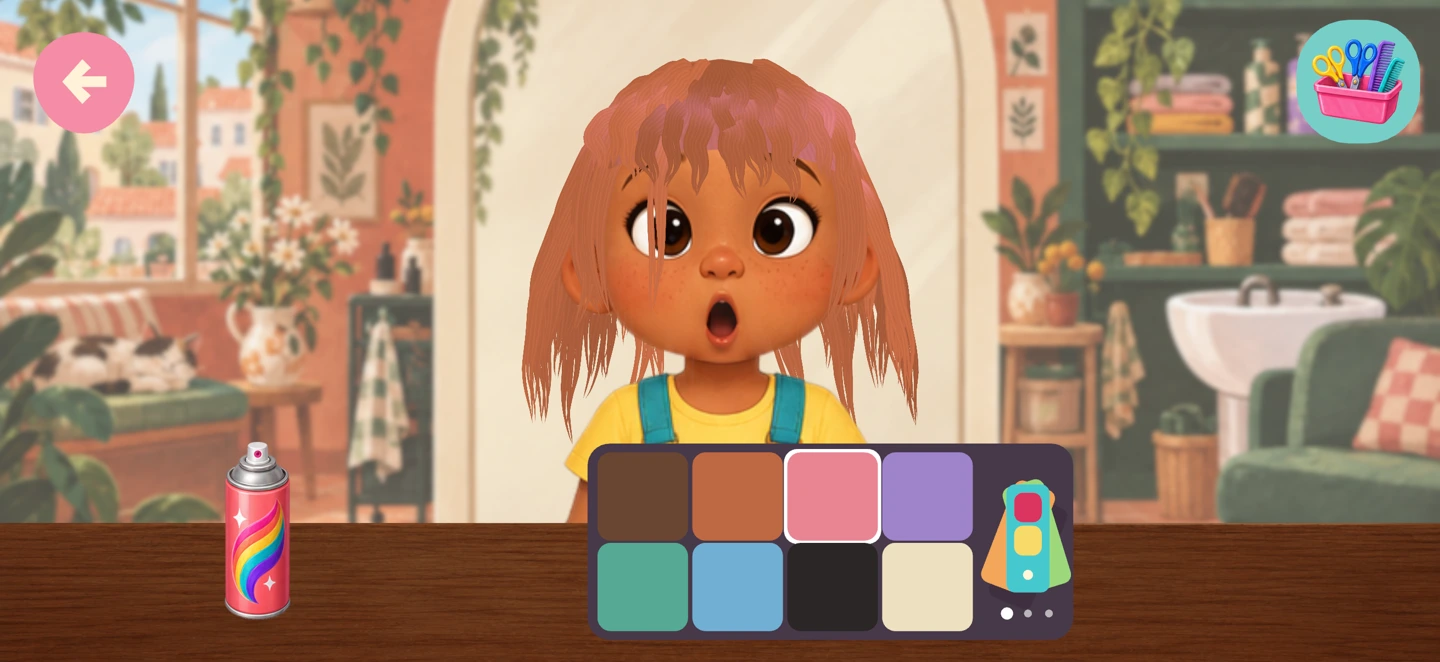
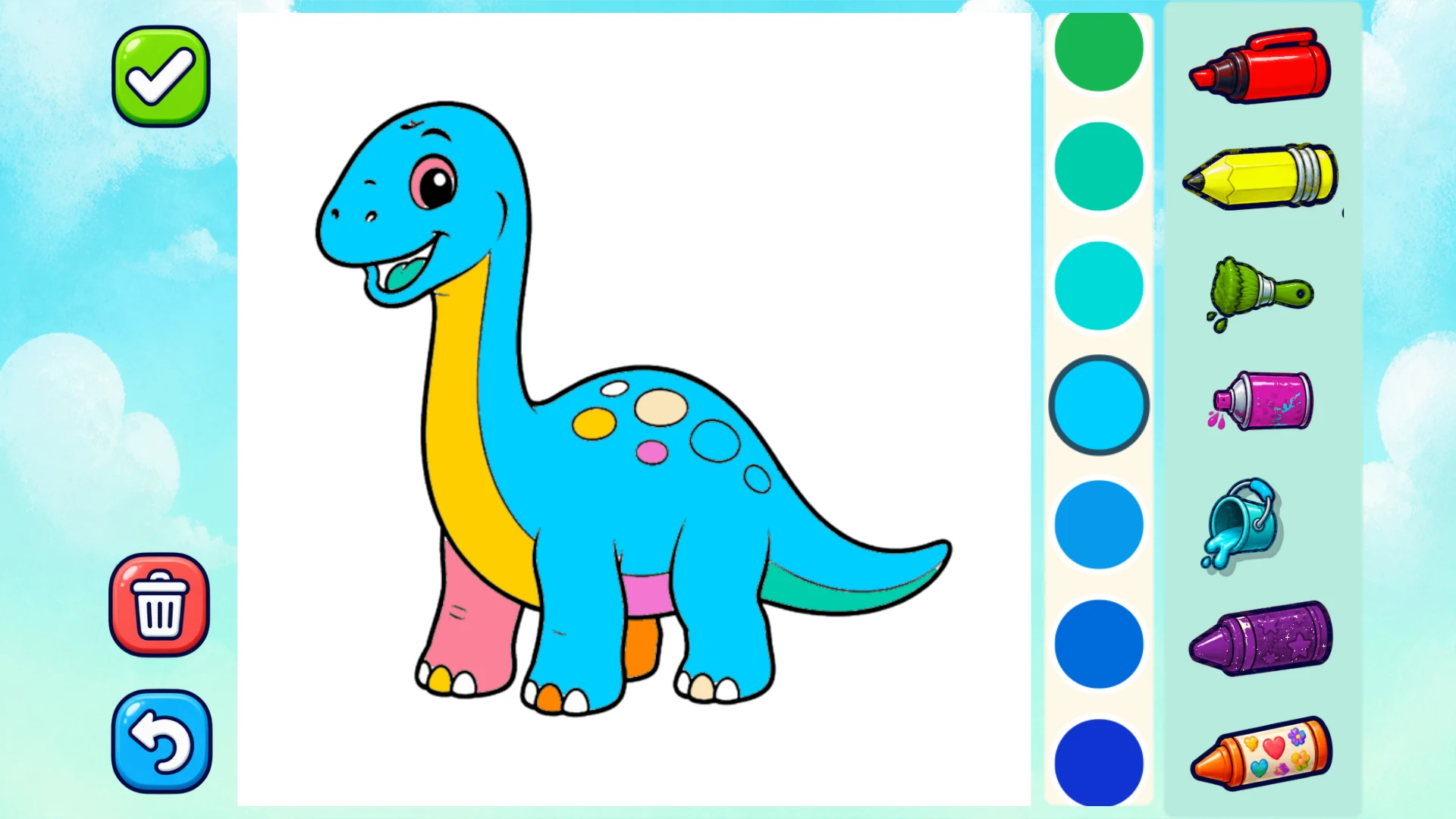
Some days the dinosaur needs purple spots. Other days a salon customer needs green hair and the perfect outfit. Both begin with a child’s own idea.
Coloring and pretend play offer different kinds of choices. One begins with a picture and a tool; the other begins with a character and a story. Neither needs a single correct result to feel satisfying.
For the child who wants to make a mark
Mossberry Coloring Worlds includes 216 drawings across nine illustrated worlds. Children can explore crayons, soft brushes, glitter and patterns, or use a fill tool to make a big change with a small action. Dinosaurs, ocean friends, animals and robots give them different starting points.
Keep-inside assistance can help make the interaction comfortable for little hands. It is a setting, not a rule about how art should look. Let your child choose a color that surprises you, or show you how they made a pattern. Saved drawings stay locally on the device.
For the child who wants to invent a story
Mossberry Kids Salon offers nine expressive friends, 14 playful tools and three illustrated rooms. Snip, wash, color, braid, regrow and dress up. A new hairstyle can become a character’s plan for a party, an imaginary journey or a very ordinary day.
Try asking, “Where is your customer going?” instead of suggesting how the hair should look. Children can save favorite looks in the on-device album. The salon’s picture-making feature does not need the device camera; it saves the character they styled.
Choose by what they enjoy today
| If they enjoy… | Try… |
|---|---|
| Filling pictures and exploring textures | Coloring Worlds: crayons, brushes, glitter and patterns |
| Choosing outfits and inventing characters | Kids Salon: styling, dress-up and saved looks |
| A familiar repeatable activity | Revisit a favorite drawing or salon friend |
| Taking turns with a grown-up | Choose each other’s next color or invent a customer together |
What the two apps share
Both work offline after installation, with no ads, child accounts or in-app purchases. Creations and settings stay on the device. Grown-up settings offer sound and motion choices, and external links are protected by a parent gate. Check each app’s store listing for device requirements and the local purchase price.
Let the idea leave the screen
Draw the salon customer on paper. Make a pretend appointment card. Color a second version of the dinosaur with real crayons. You do not need to recreate the app exactly: the point is to follow the idea your child brought to it.
We built Mossberry around these small choices because we think a good creative game should leave space for its player. Browse the gameplay on each page and pick the world that feels most like your child.