Choosing toddler games for ages 2–5: a parent’s comparison
The best game for a little person starts with what they love doing: matching a familiar animal, making a surprising color, or telling a very silly story.
We make Mossberry games, so this is our perspective as a studio, not an independent ranking. Here is a practical way to compare a few different approaches to preschool play, and decide whether our collection fits your family.
Start with the kind of play, not the longest feature list
For children aged two to five, choosing an app is easier when you begin with one interest. A child who enjoys turning over picture cards may prefer matching. A child who invents voices for toys may gravitate toward pretend play. Someone who wants to draw the same dinosaur in six colors needs room to create, rather than a fixed answer to every question.
Age is a starting point, not a test. Try an activity together and watch the controls: can your child select a piece, understand what happened, and try again? A comfortable interaction matters more than finishing a whole level. Store age ratings describe content suitability; they do not promise a particular educational level.
Three different approaches
| Collection | What it focuses on | Why consider it? |
|---|---|---|
| Mossberry | Separate apps for alphabet play, picture puzzles, coloring and a pretend salon. | A focused activity, offline play and one-time app purchases without advertising or in-app purchases. |
| Khan Academy Kids | A broad early learning app for ages 2–8, including reading and math. | A free option when you want a wider learning library. See Khan Academy Kids for its current features. |
| Sago Mini School | Playful preschool learning organized around subjects children are curious about. | An option for families interested in a broader preschool subscription. See Sago Mini School and its age guidance. |
Other publishers can change their features and purchase options. Check their current store listing before choosing. We have not conducted a comparative learning-outcomes study, and we do not claim that one collection teaches every child better.
Where Mossberry is a particularly good fit
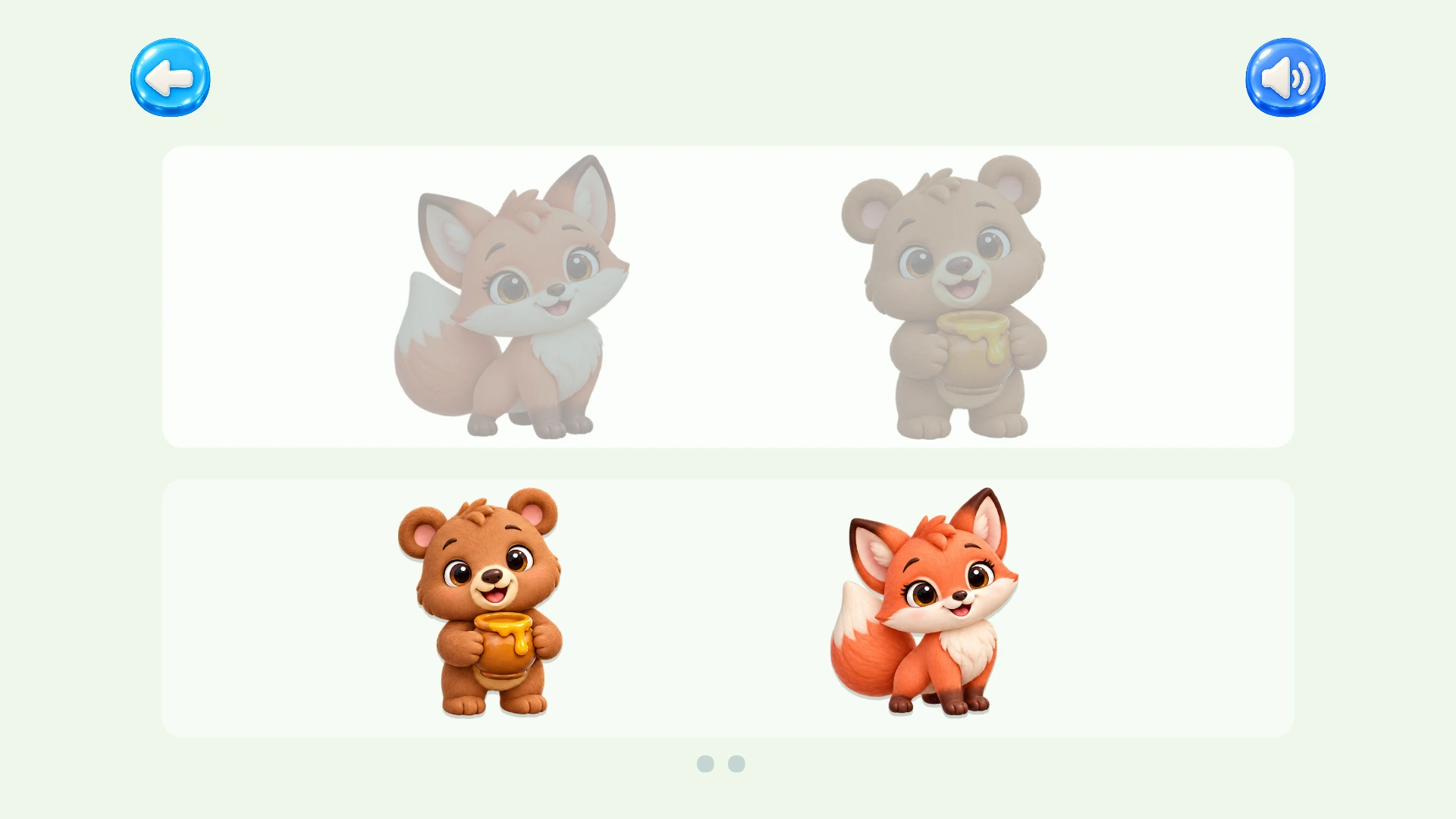
Our collection keeps the choice small and concrete. Choose Puzzle Worlds for picture matching and large puzzle pieces; Learning Worlds for letter names, first words and tracing; Coloring Worlds for open-ended art; or Kids Salon for playful styling and dress-up.
All four work offline after installation. Children do not need a Mossberry account, and there are no ads or in-app purchases. Progress and creations stay on the device. That makes Mossberry our recommendation for families who want a specific kind of play with a straightforward purchase model and fewer interruptions.
Look at actual play before you choose
Each app page includes gameplay screenshots and a video. Look beyond the cover icon: check how much appears on the screen, how a piece moves, and whether the activity matches your child’s interests. In Puzzle Worlds, children can tap a piece and its destination as an alternative to dragging. Learning Worlds includes replayable spoken English guidance. Coloring Worlds offers keep-inside assistance.
Make the screen a starting point
Play together first. Name a color, take turns with a puzzle, or ask the salon customer where they are going after their haircut. When the activity ends, carry the idea into drawing, blocks or a pretend shop. An app can offer a small invitation to play; it does not need to become the whole afternoon.